


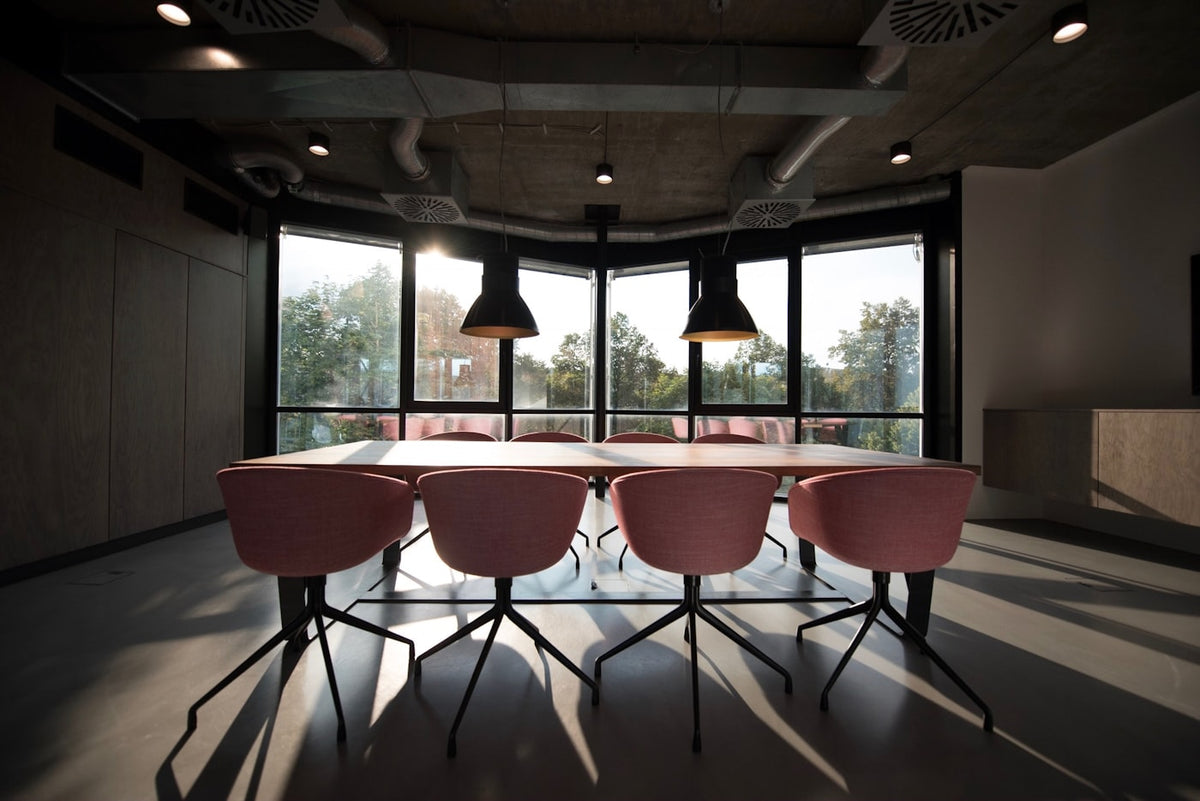
A note taker for in-person meetings is a different product from the one most people end up buying. Meeting assistants are built around calls: they join a Zoom or Teams link, sit in as a participant, and take the audio straight from the stream. Put four people around an actual table and that entire model has nothing to hook into. There is no link to join, no calendar invite to trigger it, and no clean audio feed, just a room.
| Otter | Plaud NotePin S | Legend One | ||
|---|---|---|---|---|
| What it is | Software, phone or laptop app | Wearable pin | Clip or MagSafe device | Worn pendant |
| Cost | Free 300 min/mo, Pro $16.99/mo or $8.33/mo billed annually | $179 USD, plans from $17.99/mo, or $8.33 billed annually | $139 USD (list $199) | $499 USD, first year of membership included |
| Built for calls or rooms | Calls first, in-app recording for rooms | Rooms | Rooms | Rooms |
| To start it | Open app, press record | Press the pin | Press the side button | Nothing, always on |
| Catches what you did not plan for | No | No | No | Yes |
| Best for | Teams already living in Zoom | Structured meeting notes | Cheapest capable device | The conversation after the meeting |
Why Meeting Bots Miss the Room
Three reasons, and they are all structural rather than fixable with a better app.
There is nothing to join. A meeting assistant works by attaching to a call. An in-person meeting has no link, so the software falls back to recording through your laptop or phone microphone, which is a different and much harder job than taking a clean audio stream.
Nobody starts it. On a call, the bot is triggered by the calendar invite. In a room, someone has to remember. That is a small ask when the meeting is scheduled and a hopeless one when the conversation is the five minutes in the corridor afterwards.
Speaker separation gets hard. On a call, each participant is a separate stream, which is why call transcripts label speakers well. In a room, everyone arrives on one microphone from different distances and angles. Devices designed for rooms use multiple microphones for exactly this reason.
Software or Hardware?
Otter is the default answer and for a lot of teams it is the right one. The free tier gives you 300 transcription minutes a month, Pro is $16.99 a month or $8.33 billed annually with 1,200 in-app recording minutes, and Business runs $30 a month or $19.99 annually with unlimited meetings. If most of your meetings are on Zoom or Teams and the in-person ones are occasional, buying hardware to solve the occasional case makes no sense. Use the app, put the laptop in the middle of the table. If you are choosing between bot-free desktop apps, our guide to Granola alternatives compares them.
A dedicated device starts to earn its place once in-person is the majority of your week. Purpose-built recorders have better microphone arrays for a room than a laptop lid does, they last for days rather than competing with your laptop battery, and putting a small object on the table is socially easier than aiming an open laptop at someone.
Tap to Record, or Always On?
This is the real decision, and it matters more than the brand.
Tap to record is correct for scheduled meetings. You knew it was happening, you had time to set up, and you end up with one clean artefact per meeting instead of a day of ambient noise. It is also the more considerate design, because nothing happens that you did not deliberately start. A lecture is the same shape of problem, and for a class you already know is coming a recorder on the desk beats a worn one, which we worked through in whether AI pendants work for lectures.
Always on solves a different problem: the conversation you did not know was coming. Almost everything that goes wrong after a meeting was not agreed in the meeting. It was agreed in the two minutes at the door, or in the corridor, or when someone caught you at your desk on the way past. Nobody taps record for those, because by the time you know it mattered, it is over.
Ask which of those two failure modes actually costs you something. If your meeting notes are fine but your follow-through is not, the gap is probably not in the meeting. Our compare page sets out ambient vs press-to-record in more depth.
What the Cheaper Options Do Better
Worth stating plainly, because the most expensive option here is not the right one for most people.
Otter is free to try and integrates where you already work. If your calendar is mostly video calls, nothing on this page beats it, and paying nothing is a strong argument.
Plaud gives you a more finished app. Better playback and search, a real review record behind it, and it costs a third of what Legend does. For structured meeting notes it is a straightforwardly good buy.
Pocket is the cheapest capable device. $139 on heypocket.com as of 2 October 2026, down from its $199 list price, four days of battery, a free tier that is genuinely usable rather than a demo, and 64GB onboard so it works away from your phone. If you want hardware without a big commitment, start here. We compared those two directly in Plaud vs Pocket AI.
All three let you listen back. They keep the audio, so if a name or a figure comes out wrong in the transcript you can replay the moment and check. That is a genuine advantage and it is the thing Legend gives up.
Where Legend One Fits
Legend One is the always-on option, and it is deliberately narrow. It runs continuously, so there is no moment where you have to decide a conversation matters. It turns your conversations into text and syncs with your phone when you are back in Bluetooth range, so walking out of the room does not end the capture. The day comes back as a recap and a set of to-dos rather than a stack of transcripts you will not reopen. Three microphones with speaker separation, and a Halo light so the people across the table can see when it is running. You can follow how Legend works step by step on its own page.
It is also the most expensive thing on this page. $499 includes the first year of membership, it renews annually, and there is no version of that which makes it cheap next to a free Otter account.
And it gives up playback. Legend turns your conversations into text. Audio is used only to create the transcript and isn't kept in your account. If your pendant is away from your phone, audio is held on the pendant until it syncs, then deleted. There's no audio to play back, so there is nothing to replay if a transcript garbles a technical term. If checking the exact wording of what was said matters to your work, that is a real reason to choose one of the others. We set out precisely what it does and does not keep in Does the Legend Pendant Record Audio?
Etiquette in a Room
One practical note that applies whatever you buy.
A device on the table is visible and people adjust to it. A worn device is less obvious, which is exactly why it needs saying out loud. Tell the room. It takes four seconds, it removes the entire problem, and the alternative is someone noticing later and wondering what else you did not mention.
Recording law also varies by jurisdiction, and several US states require every party to a conversation to consent rather than just one. Check where you are before you make this a habit at work.
The Takeaway
If your meetings are mostly video calls, use Otter and stop reading. The free tier will tell you within a fortnight whether you need more.
If your meetings are mostly in rooms and they are all in your calendar, buy a tap-to-record device. Plaud for polish, Pocket for price. Both will do the job for a fraction of what always-on costs.
Only look at always-on if you have worked out that the thing you lose is not the meeting. That is a narrower problem than it sounds, and it is the only one that justifies the price gap.
Most people should start with the free app. The people who should not usually already know why.
FAQ
What is the best note taker for in-person meetings? It depends on whether the meetings are scheduled. For planned in-person meetings, a tap-to-record device around $139 to $179 gives better room audio than a laptop and costs far less than always-on hardware. For conversations that happen without warning, only an always-on device catches them. If most of your meetings are actually video calls, software like Otter is the cheaper and better answer.
Why don't meeting assistants work well for in-person meetings? They are built to join a call and take a clean audio stream from it. An in-person meeting has no link to join, so the software records through a laptop or phone microphone instead, picks up the room unevenly, and still needs somebody to remember to start it.
Can I use Otter for in-person meetings? Yes. Otter records in-app as well as joining calls, and the free tier includes 300 transcription minutes a month. The limitations are microphone position, since a laptop hears a table worse than a device placed on it, and that you have to remember to press record.
Do I need a wearable, or is a device on the table enough? A device on the table is usually better for the meeting itself, because it sits between the speakers. A wearable wins outside the meeting, in the corridor conversation and the doorway exchange, where nothing is on the table and nobody is pressing anything.
Sources: Otter pricing, Plaud and Pocket product pages, checked September 2026. Pocket's price and Pro plan rechecked at heypocket.com on 2 October 2026. Prices are in USD and change often, so confirm at source before buying.

Share:
iFLYTEK AI Glasses vs RayNeo iO: Which Translation Glasses Should You Buy?
Best AI Pendant for ADHD in 2026: What Actually Matters